Find useful possibilities.
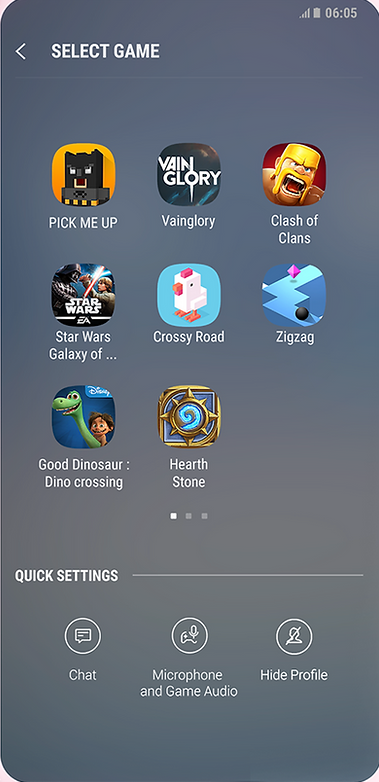
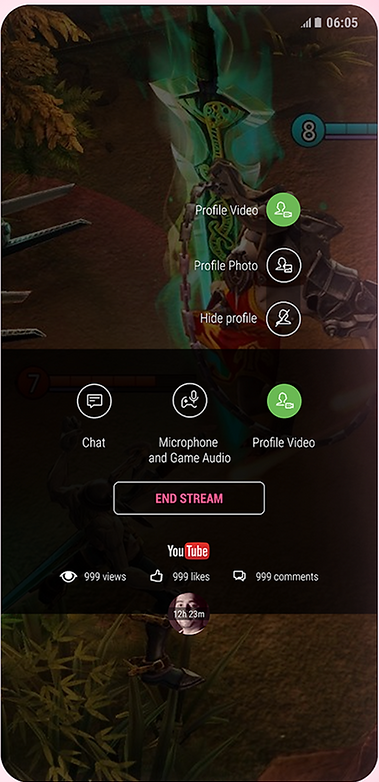
I explored future possibilities for Bixby, asking where voice-led intelligence could help within third-party apps.
Some interactions could not load. The story and full-size image links are still available.
SAMSUNG / BIXBY
Voice challenged my screen-first habits. I designed Bixby concepts and interactions for third-party apps, across speaking, tapping and typing.
01 / THE SHIFT
I explored how voice, touch and typing could make Bixby useful within third-party apps.
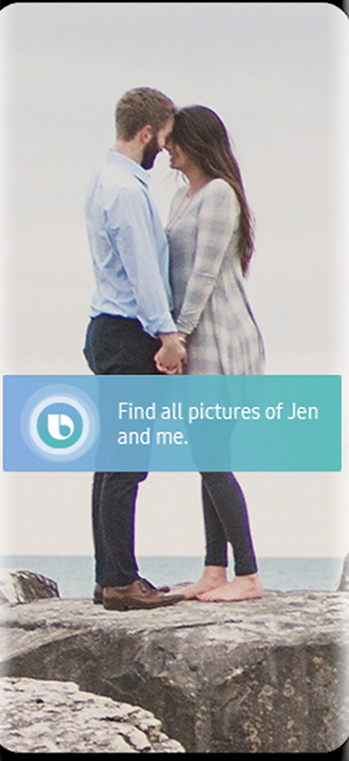
Screens suggest the next move. With voice, people start with an intention in their own words, not a menu item.
The challenge was imagining a voice-led, sometimes eyes-free experience, not simply writing conversational responses.
I had to let go of the visual structure I normally relied on.
02 / THE INTERACTION
Voice is one route into a task. This model explores the handoff to a screen.
A request has been captured. What should happen next?
TRY THE INPUT MODES
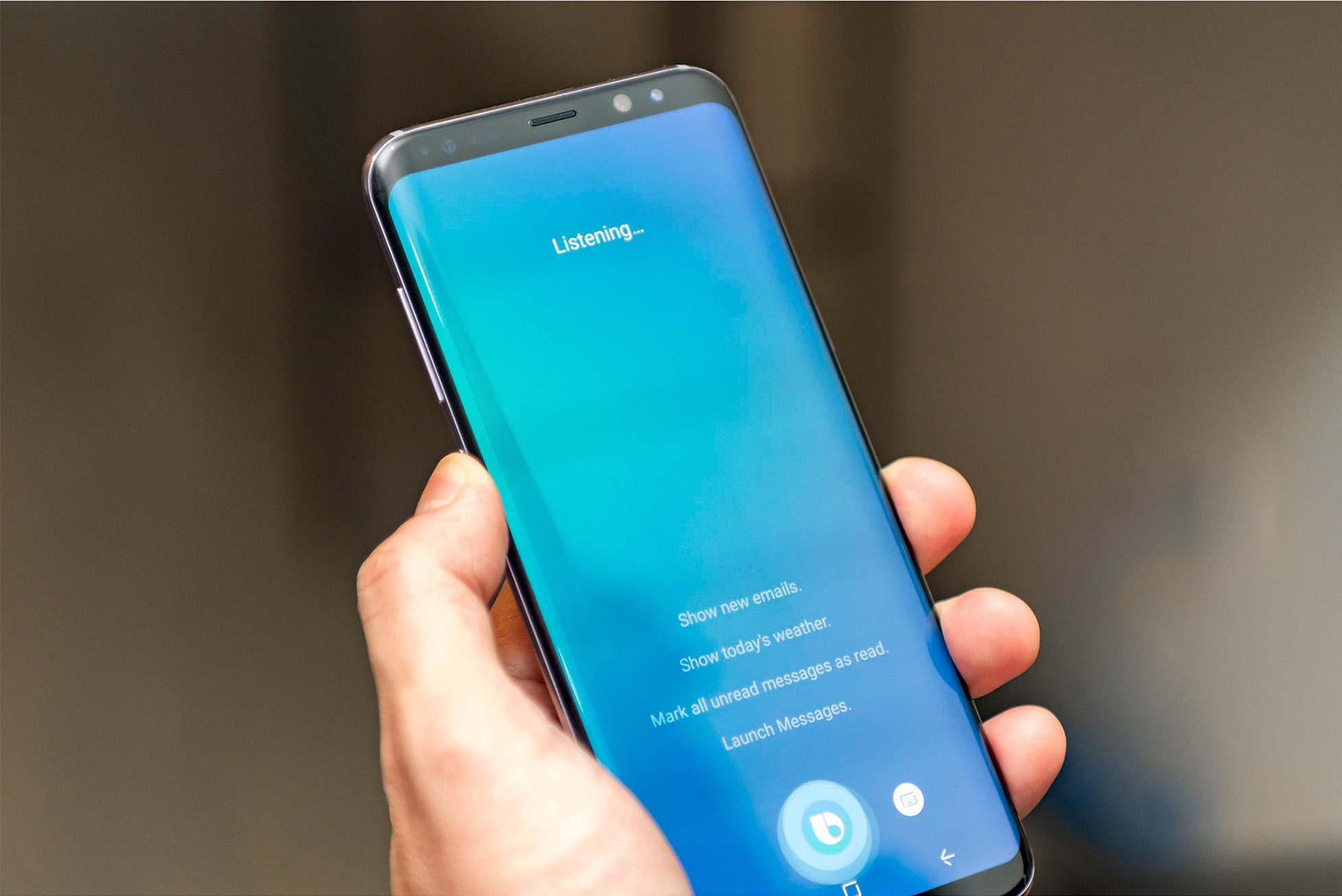
Voice is useful when navigating the interface would add effort. The challenge is to make the assistant’s state and next action understandable.
Illustrative interaction sketch, not shipped Bixby UI. It uses no microphone, email connection or personal account.
03 / MY CONTRIBUTION
I explored possibilities, prototyped interactions and tested where they broke.
I explored future possibilities for Bixby, asking where voice-led intelligence could help within third-party apps.
I iterated voice-assistant and chat interfaces, using quick prototypes and high-fidelity screens to present, challenge and improve ideas.
I tested Bixby’s usability, recorded problems and followed up with delivery teams.
Prototypes grounded my discussions with HQ in South Korea, Samsung Research America in the USA, and the Bangalore team.
This was my first voice-led, sometimes eyes-free work: difficult to visualise, and a useful challenge to my screen-first habits.
04 / WHAT I CARRY FORWARD
Without familiar visual cues, what does someone need to understand, decide or do next?
Prototyping and testing taught me to see interactions as intentions and responses, not just screens. My retained records do not establish which concepts shipped or include project-specific metrics.
Across voice, touch and typing, I now look for continuity: does the next step make sense, whichever mode someone uses?
MORE WORK, DIFFERENT QUESTIONS