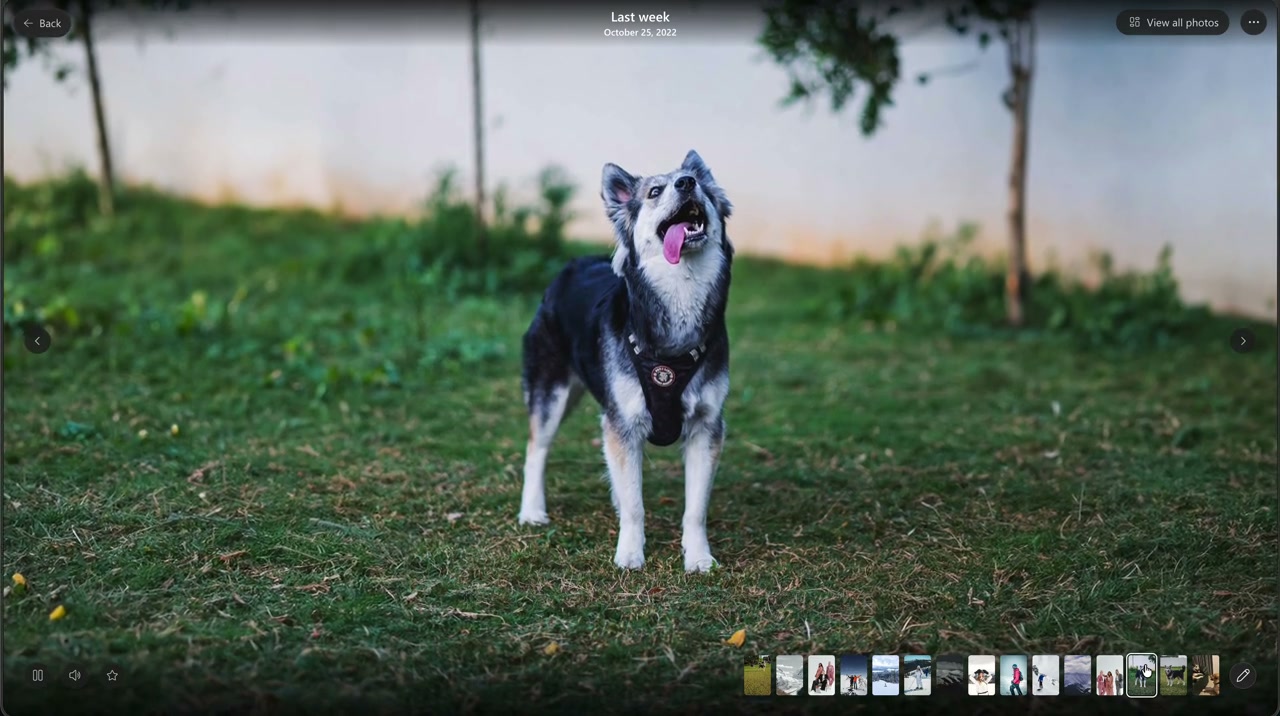
MICROSOFT ONEDRIVE / PEOPLE-LED SLIDESHOWS
The people who make a memory
OneDrive could make a memory for you. But sometimes you don’t want a memory chosen for you. You want to see your people.
Watch the people-led experience- Role
- Concept, experience design and implementation. End-to-end ownership of this extension.
- Collaboration
- Built solely by me, with coding agents as development tools.
- Period
- February 2026.
- Scope
- People-page previews, adaptive titles, Play Next and custom combinations, directly in the OneDrive repo.
TL;DR / Overview
- Problem
- Slideshows began with system-created memories, not the person someone wanted to see.
- Role
- Sole owner, extending an earlier OneDrive experience I had built.
- Surfaces
- People-page preview, full playback, adaptive titles, Play Next and custom combinations.
- Reach
- A working hack demonstration, not a production rollout.
- Result
- The prototype was added to the product backlog.
- Status
- February 2026 hack, built with coding agents. Manual photo selection is a supporting exploration.
01 / REIMAGINING WHERE A SLIDESHOW BEGINS
Some memories begin
with a person.
I had already built OneDrive’s slideshow experience. But those slideshows began when the system created a memory for you. A missing capability and a user ask opened up another way in.
Sometimes the starting point is not a collection of photos. It is a partner, a parent, a child. Someone who matters. The question becomes: what if choosing that person could bring their moments to life?
That became the centre of this hack. Not another way to press play, but a way to discover memories through people, and the combinations of people that make them meaningful.
02 / A PERSON, ALREADY IN MOTION
Let their page
come alive.
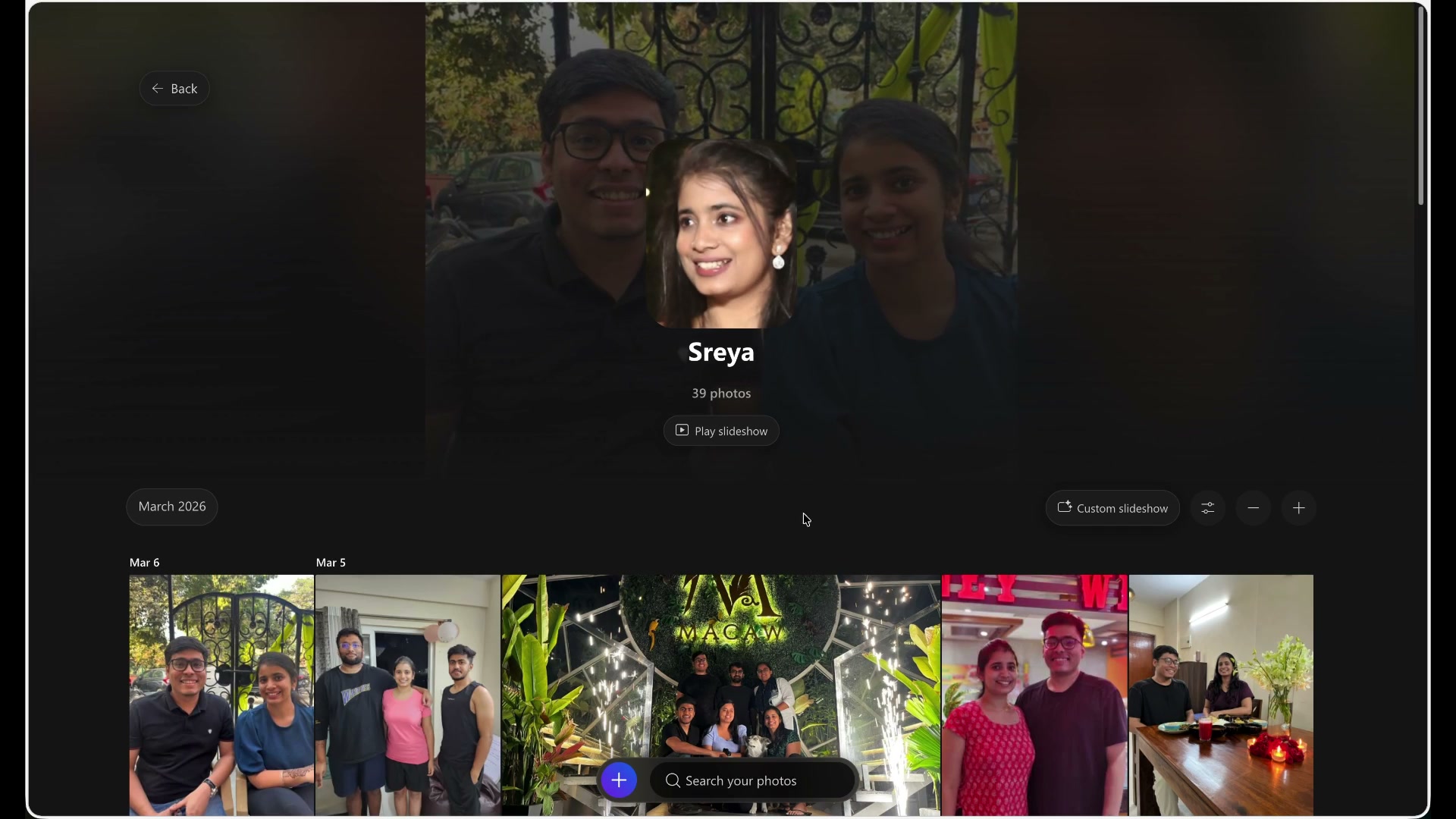
Choosing a person opens more than a static grid. Their page begins with a subtle slideshow preview, bringing the moments you share with them into view before you enter the full player.
From there, “Play slideshow” opens the richer experience. Titles and subtitles adapt to whether the story is about one person or many, with variation designed to keep it from feeling repetitive.
The person is the starting point. Preview, playback and the surrounding words all follow that choice.
03 / THE NEXT STORY IS ANOTHER CONNECTION
One person.
More stories to find.
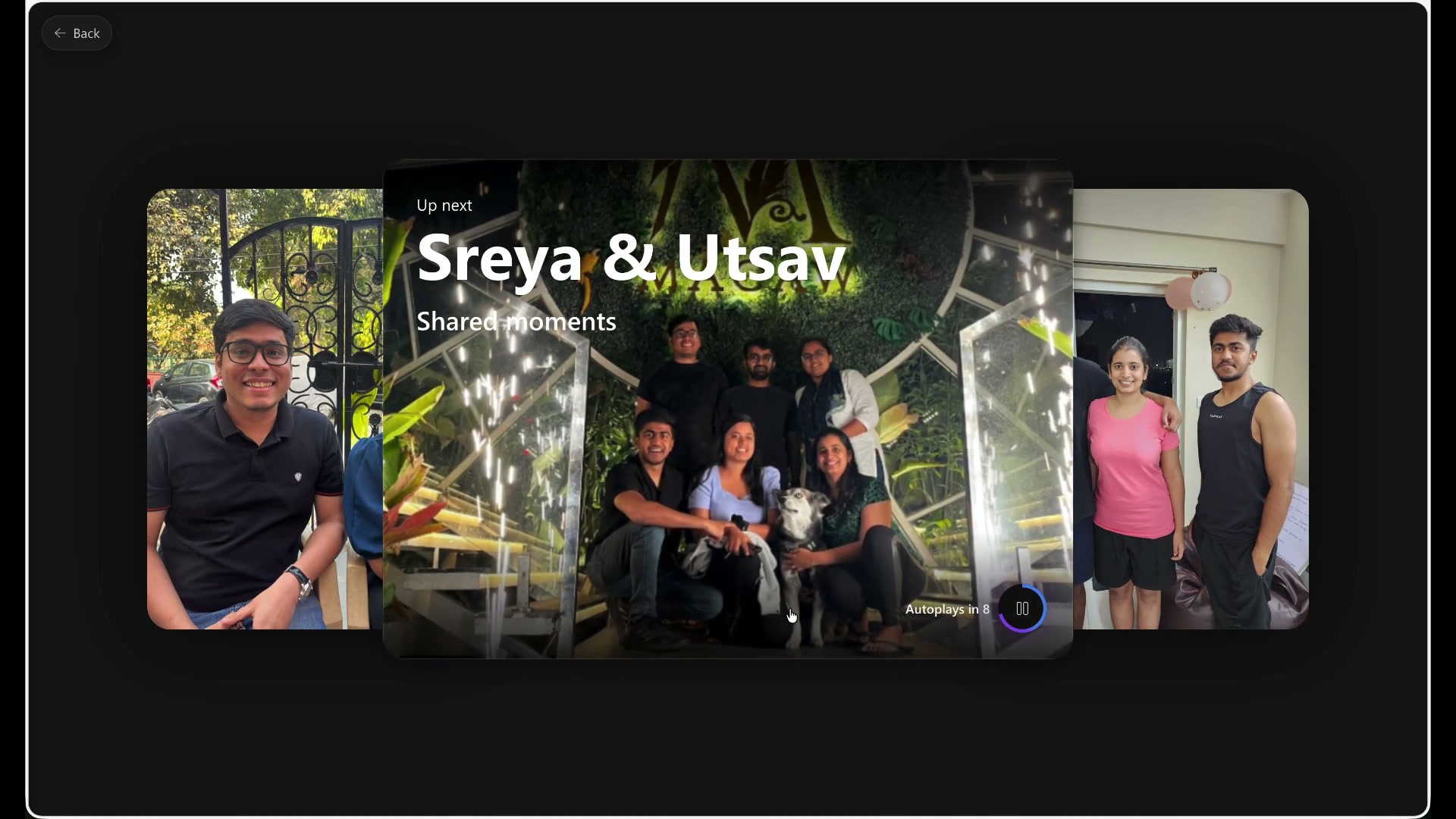
The end of a slideshow does not have to be the end of discovery. I extended Play Next to lead toward more people and new combinations, rather than leave the person at a finished memory.
In the recording, a story about one person leads into a “Shared moments” suggestion for two people. The title and preview make the connection visible before the next story begins.
This is the bigger shift: from watching the photos already in front of you to finding another story through the people in them.
04 / MAKE IT ABOUT YOUR PEOPLE
Choose the combination.
Let the moments come together.
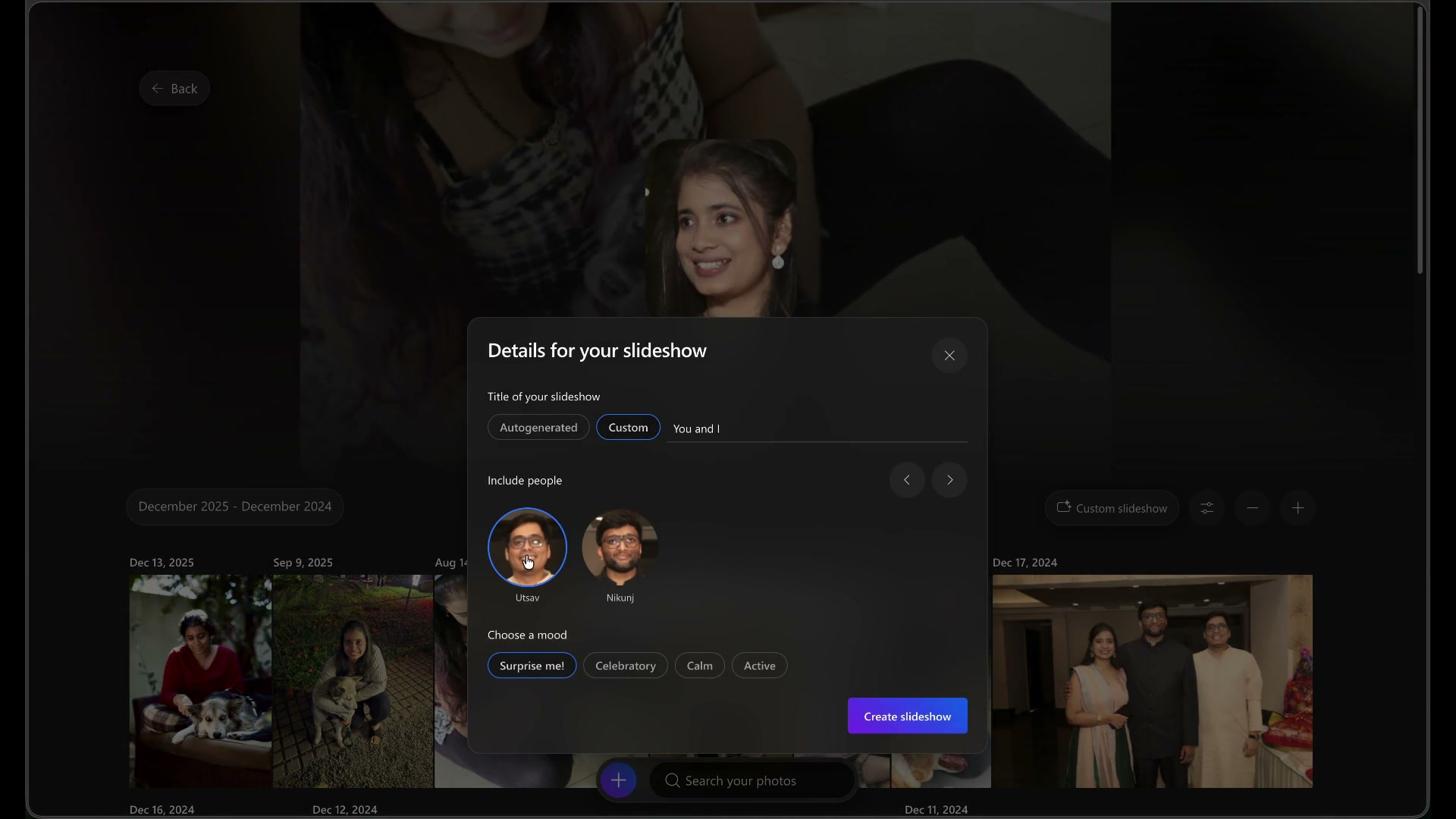
The suggested story is not the only route. Custom slideshows let someone choose the combination that matters to them: a partner, siblings, friends or family, and bring those shared moments together.
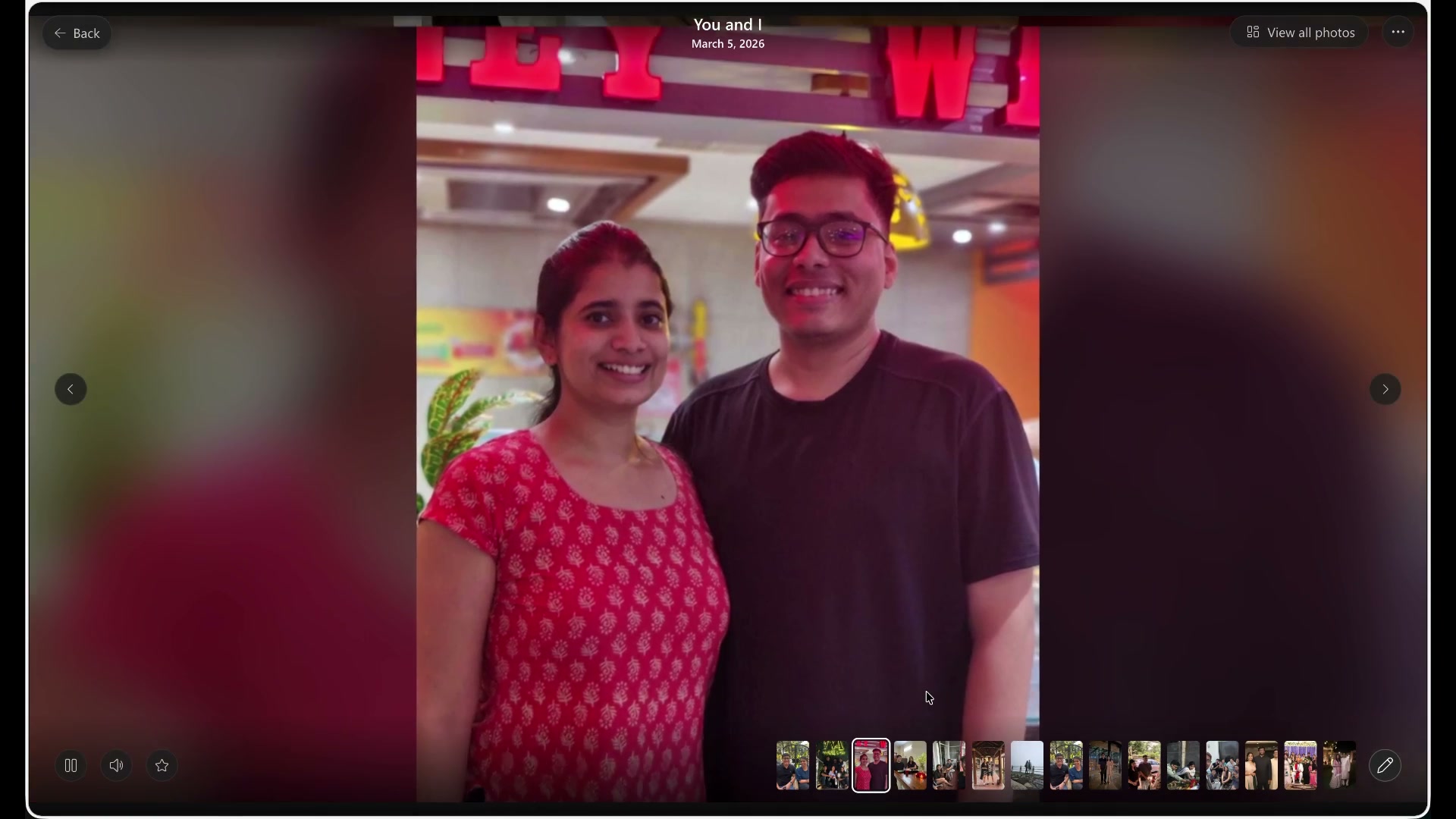
The recorded flow adds a custom title, chooses a person to include and opens the resulting slideshow. The setup also offers an autogenerated title and mood choices.
Here, the creative decision is who the story is about. The experience brings that choice into the photos and the way the story is introduced.
05 / ALSO EXPLORED: PHOTO-LED CREATION
Another way in:
choose the photos yourself.
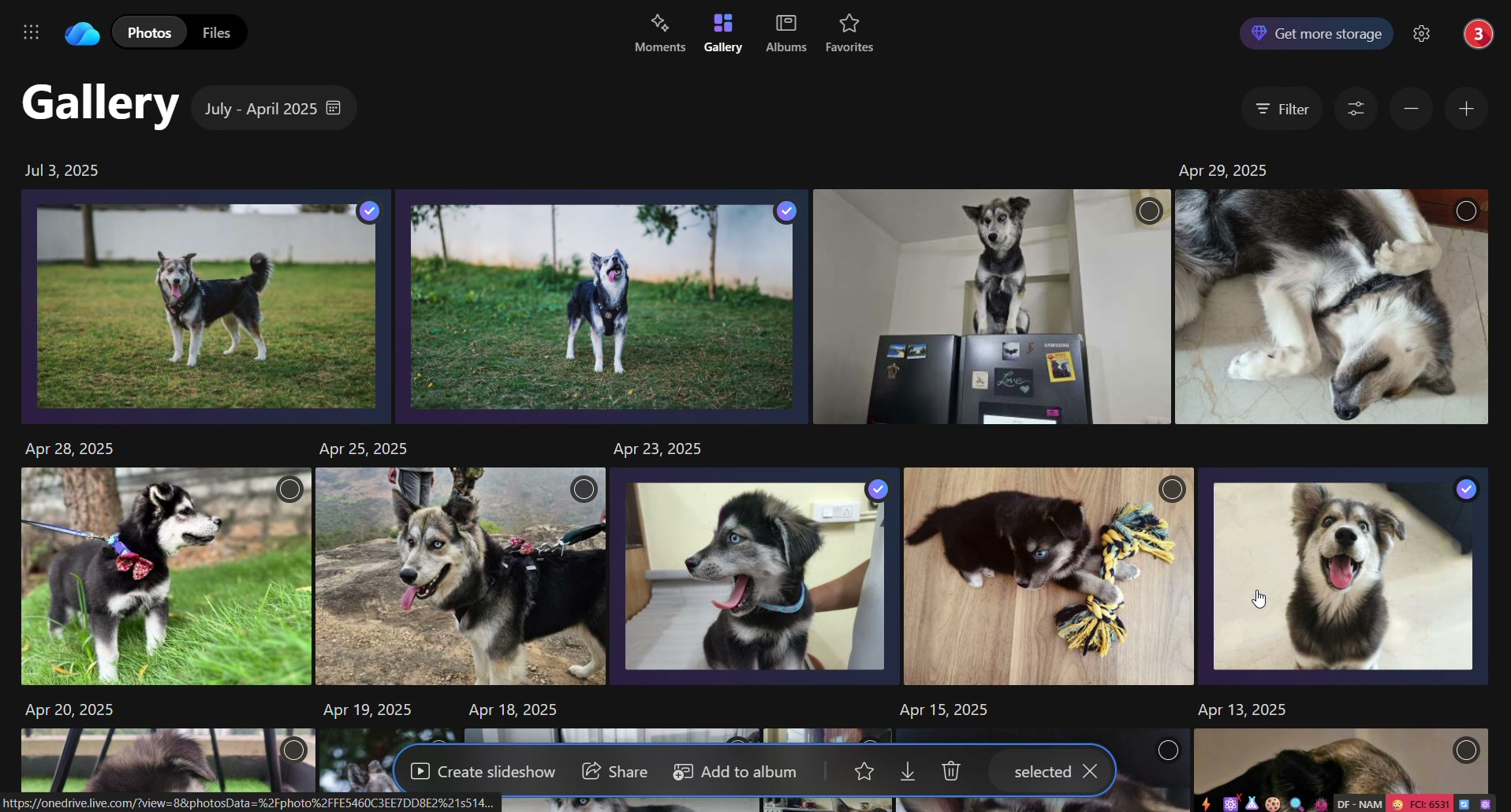
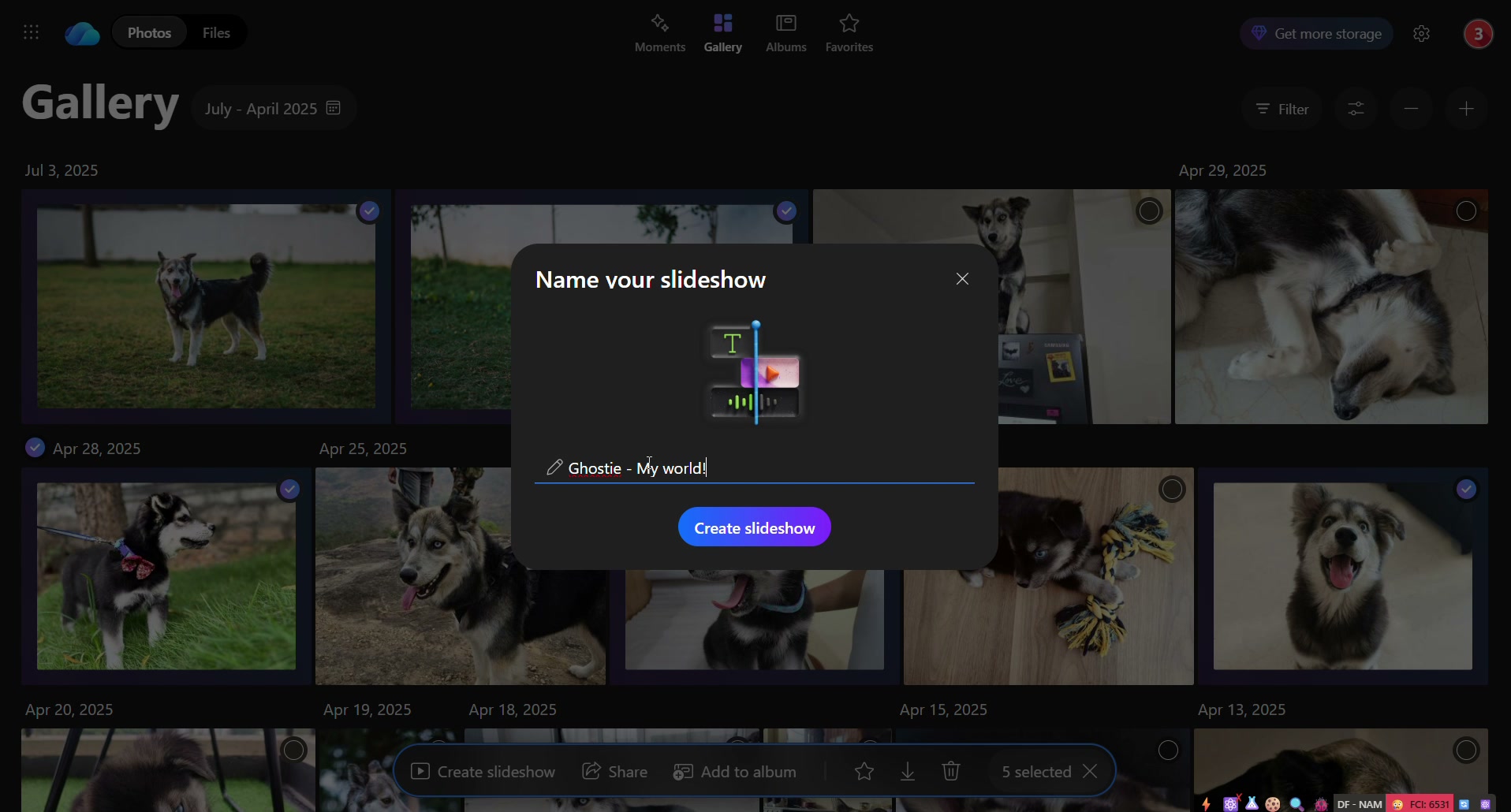
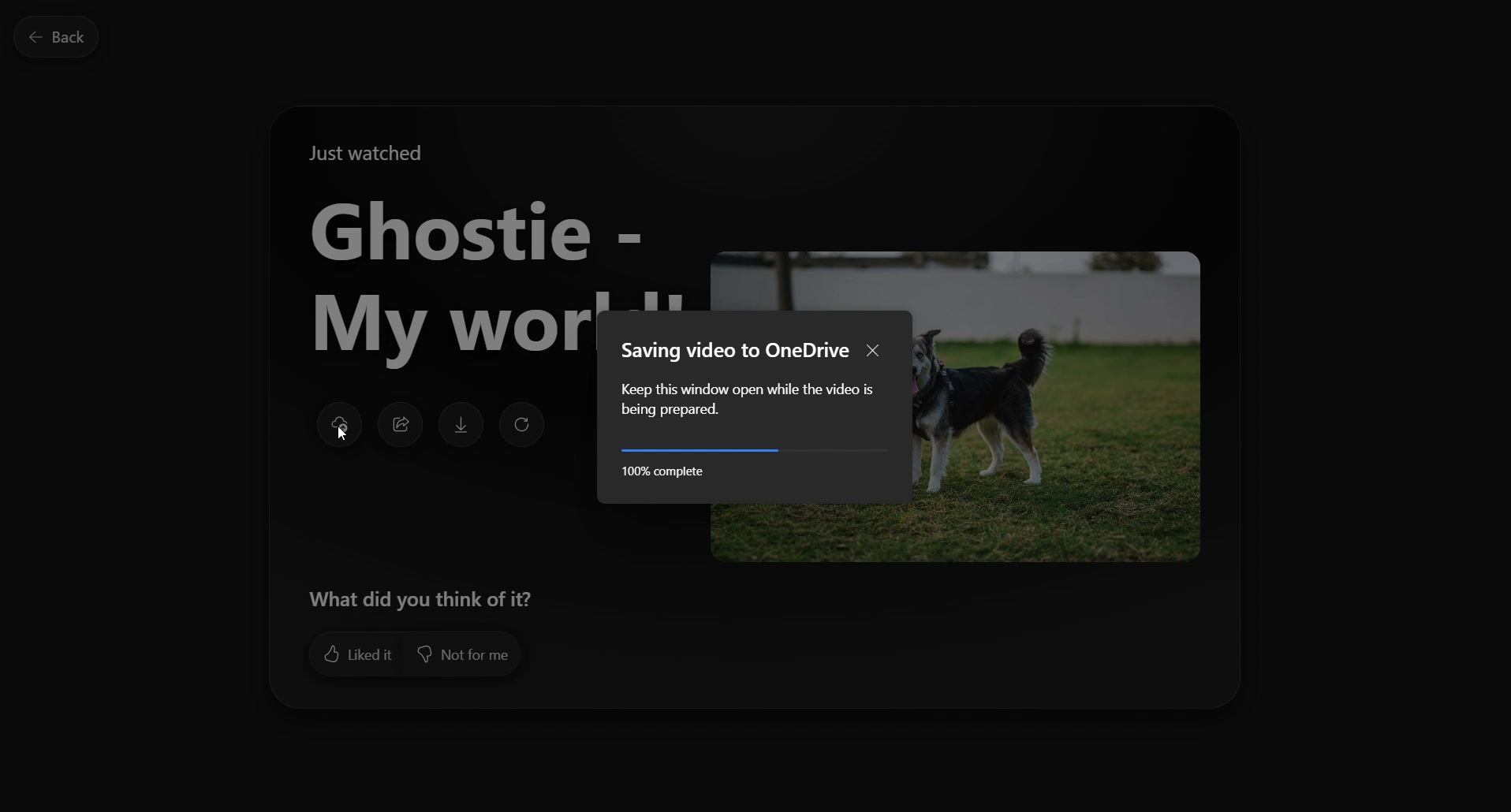
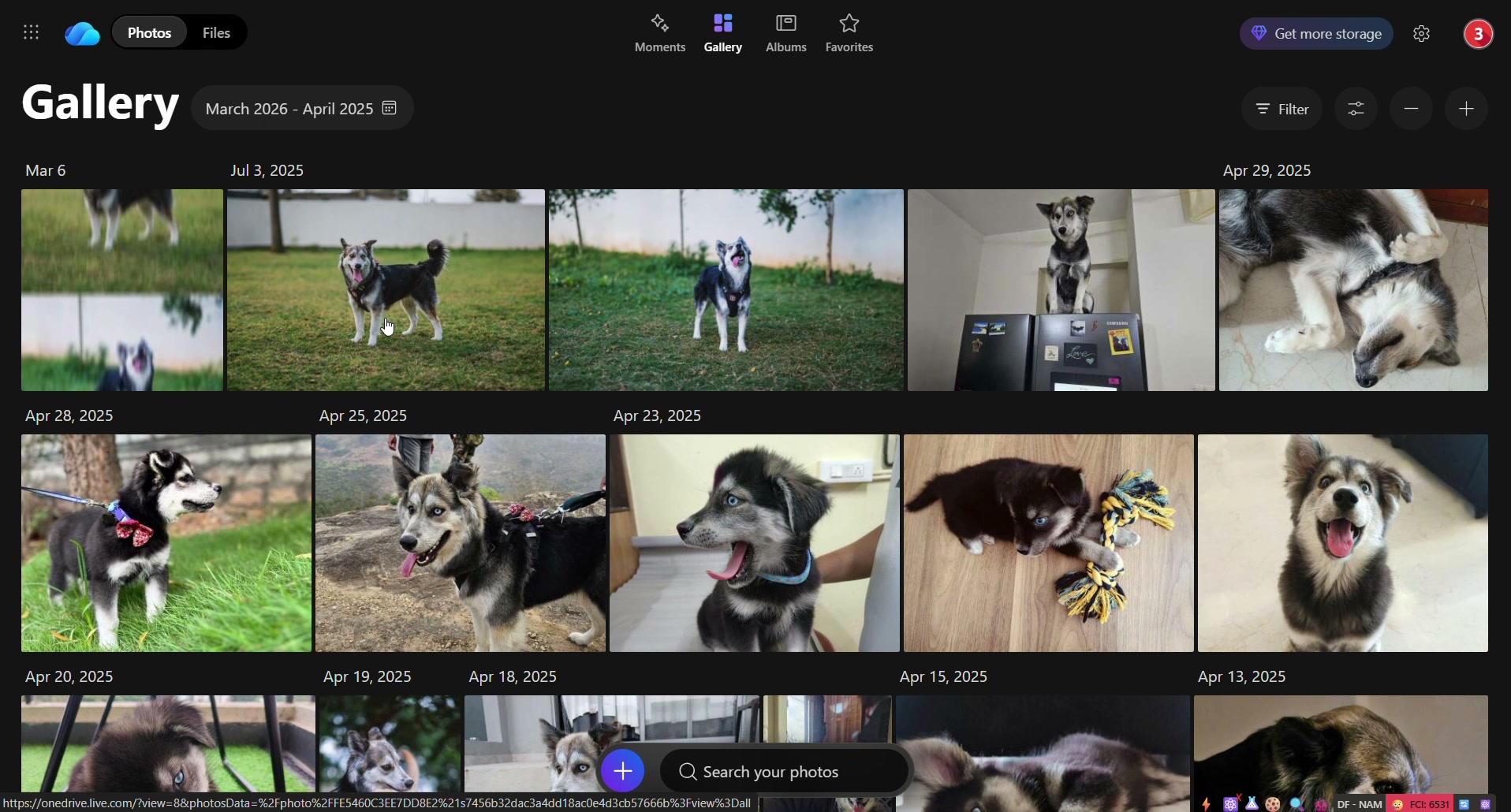
Alongside the people-led experience, I built a more explicit creation route. Select photos in the gallery, name the slideshow, watch it and save the result back to OneDrive as a video.
This companion demo follows that smaller loop. It puts individual photo selection in the person’s hands, while the main experience above starts with the people they want to see.
06 / DESIGNING THROUGH IMPLEMENTATION
I took the idea
into the code.
I made this hack directly in the OneDrive repo, with the help of coding agents. I owned the work end to end: the idea, the experience and the implementation.
The agents were part of how I built it, not a separate team to hand the design to. This was my work throughout.
Working in the existing product made the idea concrete. The people-page preview, full playback, Play Next and custom combinations could be experienced together, rather than explained as separate screens.
07 / WHAT MOVED FORWARD
A hack, with
somewhere to go.
What began as a missing capability and a user ask became a working extension of an experience I had already built. The people-led direction is the heart of it: a person becomes a way into their moments, shared stories and new combinations.
“This isn’t just about playing memories. It’s about discovering them through the people who define them.”
From the people-demo narration. This case documents a hack and its backlog status, not a production release or measured usage. The earlier shipped Slideshow is a separate story: Making memories worth coming back to. Both supplied recordings retain their original audio.
KEEP EXPLORING